Using the Claris Connect homepage
After you sign in to Claris Connect, the Home page appears. Home is one of four items in the sidebar, alongside My Projects, Custom Connectors, and Templates. Home gives you a quick way to start a flow, pick up recent work, start from a template, and find learning resources.
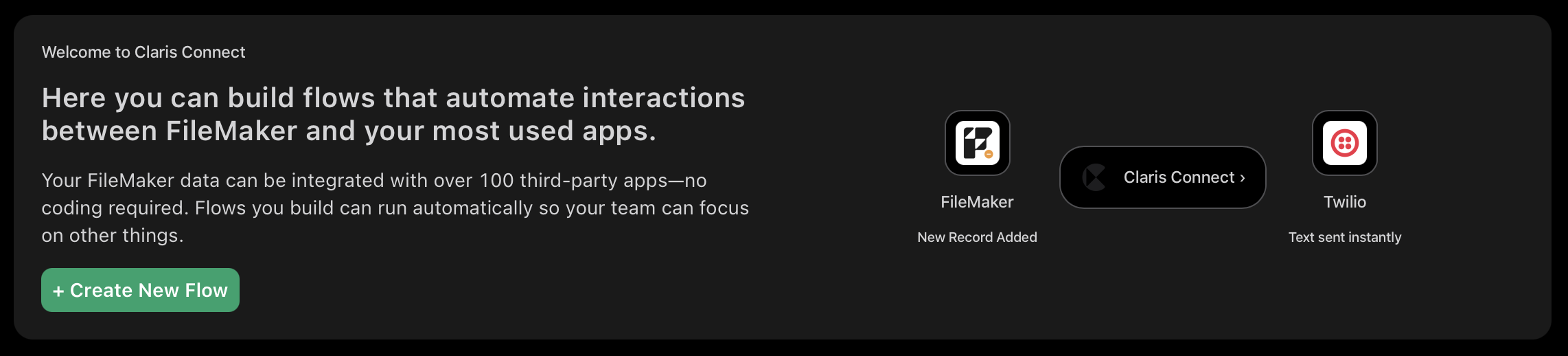
Welcome card
Introduces Claris Connect and lets you start a flow immediately. Click Create new flow to create a new project and open its Flows tab, ready for you to build a flow that connects FileMaker to the apps you use.
Recent projects
Shows cards for up to three of your most recently used projects, along with a View projects link that takes you to the My Projects page. If you don't have any projects yet, this section isn't shown.

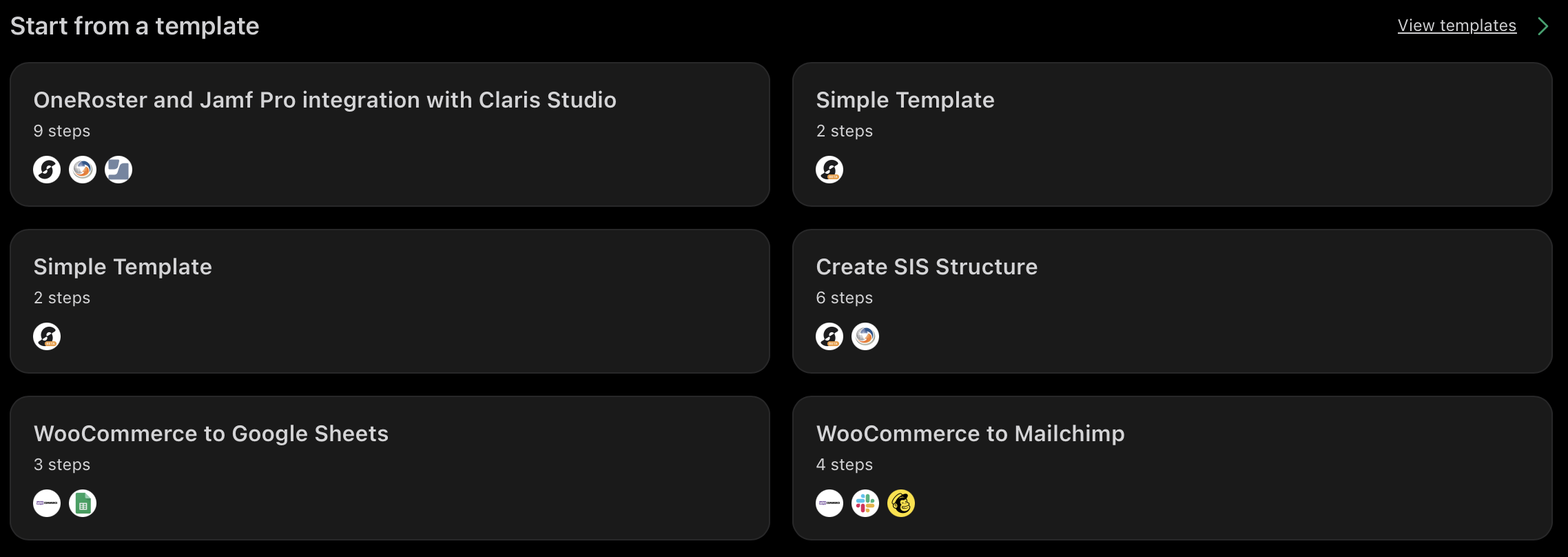
Start from a template
Showcases a selection of templates you can use to quickly create a flow. Click a template card to use it directly, or click View templates to see the full list on the Templates page. See Creating flows with templates.
Resources
Provides quick links to the Help Center, the Claris Community, and Claris Learning resources.
